
Large WordPress Media Library: What Breaks at 100k and 1M Files and How to Fix It

Why 10,000 uploads can become 169,000 files, what breaks at 100k and 1M attachments, and how to fix the database, folders and storage.
GDPR WordPress Media: Data Residency for Offloaded Uploads

How to store WordPress media in the cloud under GDPR: personal data in uploads, EU regions, DPAs, the DPF, CDN caching and erasure.
How to Delete Unused Media in WordPress Before You Offload
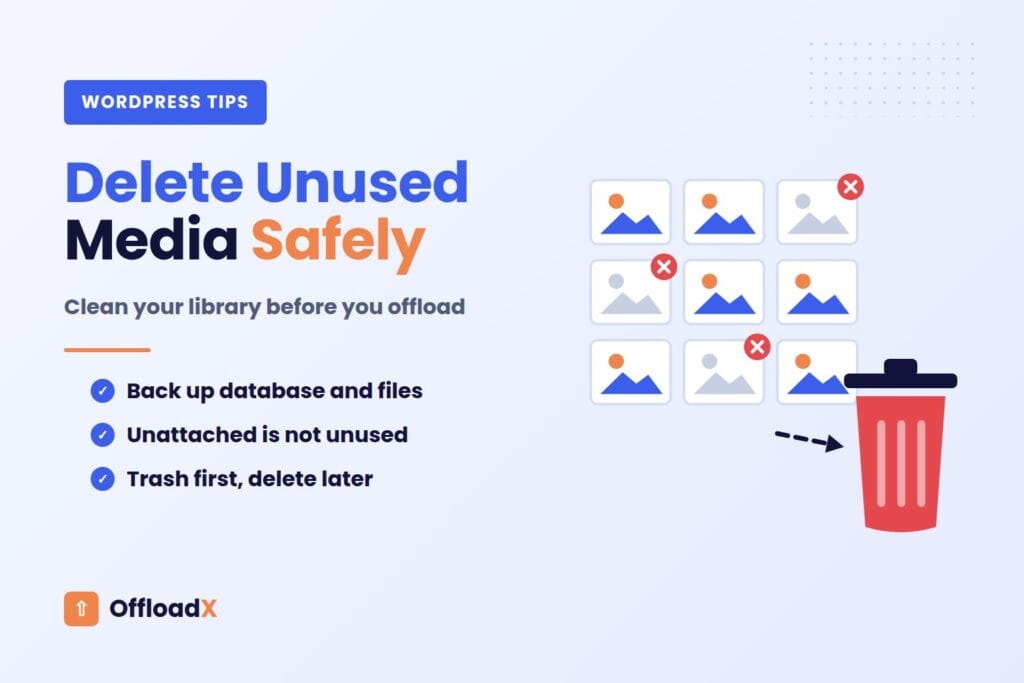
Clean your media library before offloading: why unused is hard to detect, Media Cleaner caveats, WP-CLI checks, orphaned thumbnails and real savings.
How to Regenerate Thumbnails When Your WordPress Media Is Offloaded
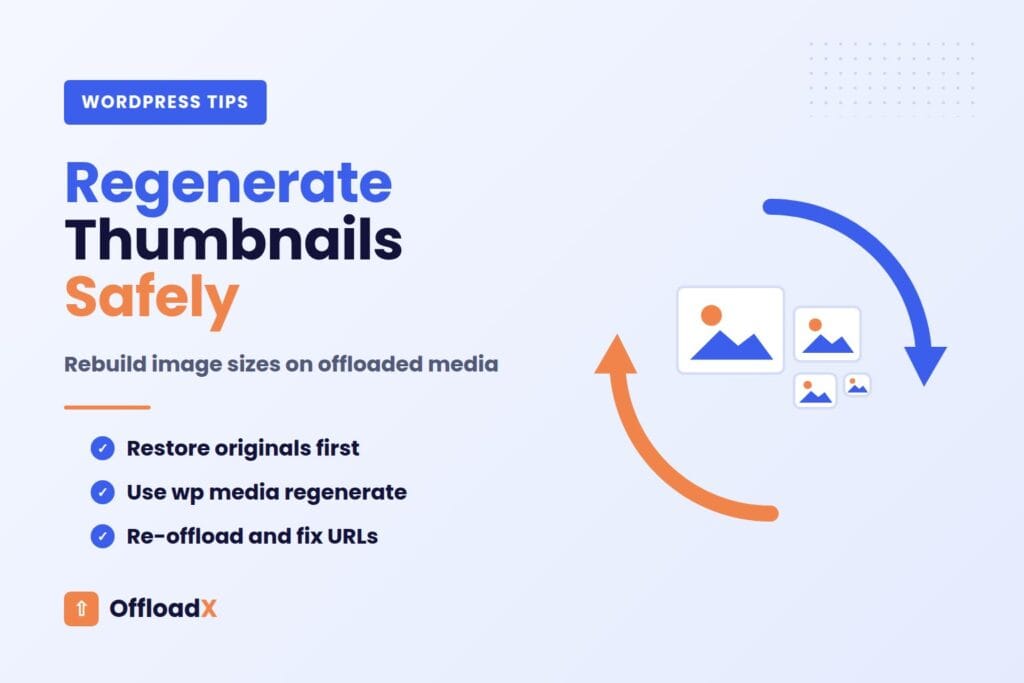
Why regenerating thumbnails fails on offloaded sites, and a safe step-by-step process to rebuild image sizes, push them to your bucket and fix URLs.
How to Prevent Hotlinking of WordPress Media (Server, Cloudflare, Bunny and CloudFront)
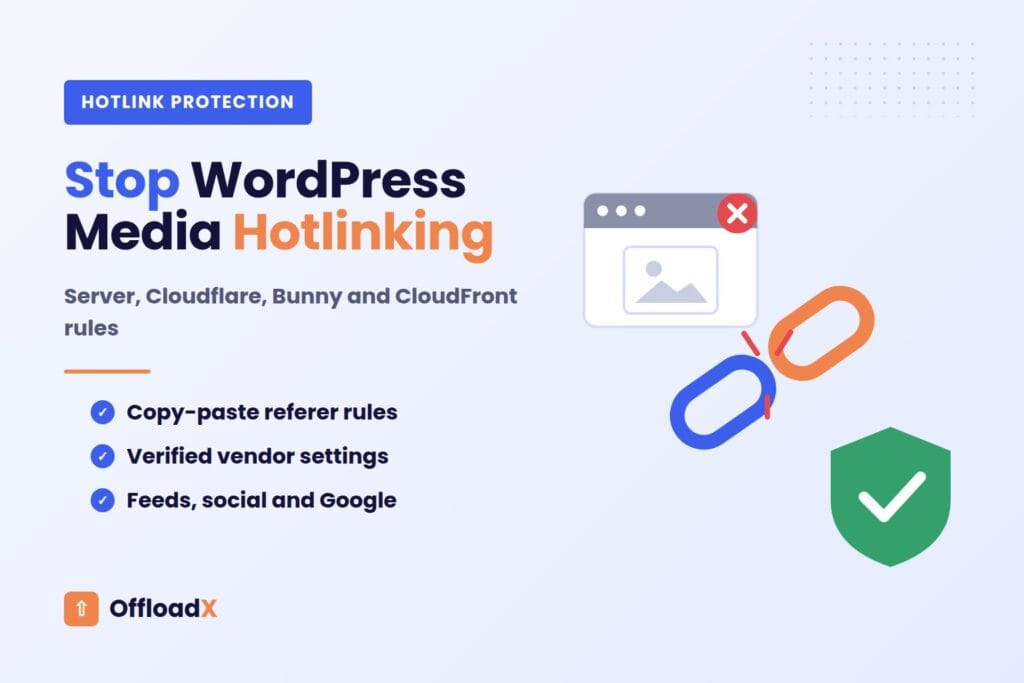
Stop other sites using your bandwidth: referer rules for Apache, nginx, Cloudflare, Bunny and CloudFront, and what not to block.
WordPress Video Hosting: Media Library, CDN, Streaming or YouTube?

Self-host, offload, stream or embed? Compare WordPress video options with sourced prices, cost per 1,000 views, limits, formats and privacy.
How to Reduce WordPress Backup Size Without Backing Up Less
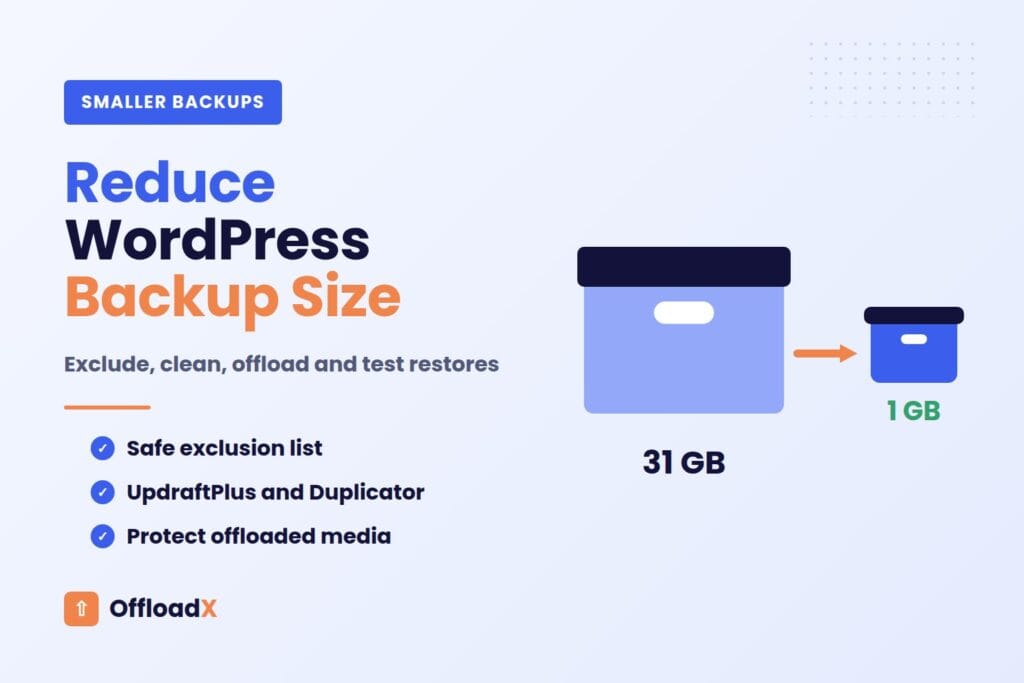
Measure what is in your backups, exclude what can be rebuilt, clean the database and offload media, then prove it with a restore test.
Elementor Media Offload: How to Move Images Without Breaking Pages

Why Elementor needs extra care when offloading media, and a safe process using Replace URL, Regenerate Files & Data, WP-CLI and thorough testing.
How to Increase WordPress Max Upload Size (Every Method That Works)

Find which layer sets your upload limit, raise it with the right method for your server, and fix it when the number will not change.
WordPress Image Sizes Explained: Defaults, Extra Files and Storage Costs
Why one upload becomes eight or more files, which sizes WordPress and WooCommerce create, and how to trim unused sizes safely.