Without OffloadX
Server disk45 / 50 GB
Media requests hitting your server100%
- Disk-full warnings and plan upgrades
- Backups that take hours
- Images load from one location
The affordable WP Offload Media alternative. OffloadX moves your WordPress media to the cloud for faster loading and lower hosting costs. Start free—no card needed.
Watch the OffloadX animated walkthrough below.
Trusted by growing businesses, agencies and WordPress teams













Auto-Offload on Upload
Every media upload is automatically sent to your chosen provider after WordPress finishes generating thumbnails. Zero workflow changes needed — this WordPress media offload plugin just works.

Full URL Rewriting
Post content, srcset, REST API responses, og:image tags — every URL is rewritten to your CDN domain automatically when you offload WordPress media to Cloudflare R2, S3 or Bunny.

CDN Safety Checker
Verifies your file is accessible at the CDN URL before deleting the local copy. Prevents data loss from misconfigured buckets, which makes OffloadX a safer WP Offload Media alternative.

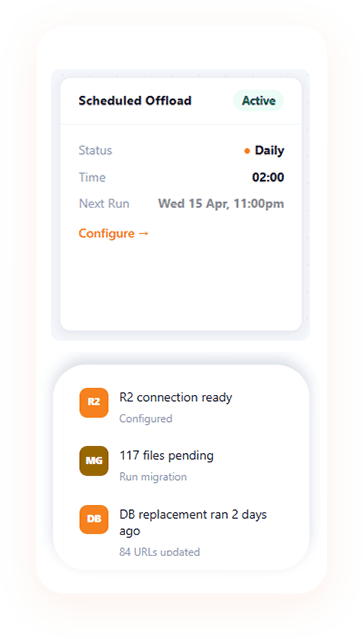
Scheduled Offload
Automatically offload new uploads on a schedule with the WordPress media offload plugin. Runs via WP-Cron to keep your server storage tidy without manual intervention.

Cloudflare Images + WebP
Use Cloudflare's Image CDN with automatic WebP conversion via Polish. Serve optimized images to every visitor without extra configuration.

Bulk Migrator
Bulk migrate WordPress media to cloud storage in batches, including your entire existing library. Progress bar, pause/resume, server-validated tokens per batch.

Per-File Audit Log
Every offload, deletion, URL rewrite, and rollback is logged per attachment. Track exactly what happened to every file.

One-Click Rollback
Instantly revert all CDN URLs back to local WordPress URLs. Safely switch providers or disable the plugin at any time.

WooCommerce Support
Product images, gallery thumbnails, cart images — all offloaded and URL-rewritten. Full WooCommerce compatibility on Agency.
How it works
Watch one image make the trip through our WordPress media offload plugin: you upload it in WordPress, OffloadX moves it to your bucket and rewrites the URL, and visitors load it from the nearest edge.
1 Upload as usual

2 OffloadX moves it
3 Stored in your bucket
4 Delivered worldwide
Illustrative walkthrough. Bucket names, sizes, load times and results are examples.
Before & after
Illustration for a site with a 40 GB media library on a 50 GB hosting plan, before and after adding a WordPress media offload plugin.
Without OffloadX
With OffloadX
Nothing new to learn with this WordPress media offload plugin. Upload a product photo and it appears in the grid as usual, with a small cloud badge once it's in your bucket. Open the file and its URL already points to your CDN.
 R2
R2 R2
R2 R2
R2 R2
R2 R2
R2 R2
R2 R2
R2 R2
R2 R2
R2 R2
R2 R2
R2 R2
R2 forest-trail-header.jpg
October 9, 2026
412 KB · 2048 × 1365
Safe by design
Moving media to the cloud shouldn't feel risky. As a WordPress media offload plugin, OffloadX checks every step, keeps your originals until you say otherwise, and lets you roll back at any time.
Simple pricing
The WP Offload Media alternative with no media limits on paid plans and no per-file fees. Every paid plan comes with a 30-day money-back guarantee.
Free
$0forever
1 site · up to 100 files
Starter
$12/ month
or $8/mo billed yearly · 1 site
Pro Most popular
$24/ month
or $17/mo billed yearly · 3 sites
Need more sites? See Business & Agency plans and lifetime deals →


Who it's for
Whether you post a few photos a week or manage dozens of client sites, this WordPress media offload plugin keeps media off your server and fast for every visitor.

With a WordPress media offload plugin, image-heavy posts load from the nearest edge, and your hosting plan stops filling up every month.

Product galleries and variation images go to your bucket, so big catalogues don't slow checkout down.

Unlimited sites, white-label mode and a separate folder for each site, all managed with one WordPress media offload plugin licence.

A WordPress media offload plugin keeps full-size originals in cheap cloud storage, with smaller backups and a lighter server.
Compare
Looking for a WP Offload Media alternative? The biggest difference is how you pay. WP Offload Media charges by how many media items you have. OffloadX charges by sites, with unlimited files.
OffloadX
WP Offload MediaSingle-site, new-customer list prices checked September 2026 on the WP Offload Media pricing page and the OffloadX pricing page. Plans and prices can change, so check each vendor's pricing page.




I moved over 15,000 images from my WordPress server to Cloudflare R2 using OffloadX, and the process was seamless.

My site was very slow — since I got OffloadX all my media is offloaded and the speed difference is night and day.

I've used OffloadX with AWS S3 as my CDN and it works effectively. Couldn't be happier with the results.

My best offload plugin. The UI is sleek and works perfectly. Hands down the best I've tried.

OffloadX made my WordPress website faster and the setup was incredibly straightforward from start to finish.

100% of my media problems solved. I managed to upload all my files to R2 without a single hiccup.
From the OffloadX Blog
Step-by-step guides, cloud storage comparisons and practical tips to cut hosting costs and serve WordPress media faster.
Clean your media library before offloading: why unused is hard to detect, Media Cleaner caveats, WP-CLI checks, orphaned thumbnails and…
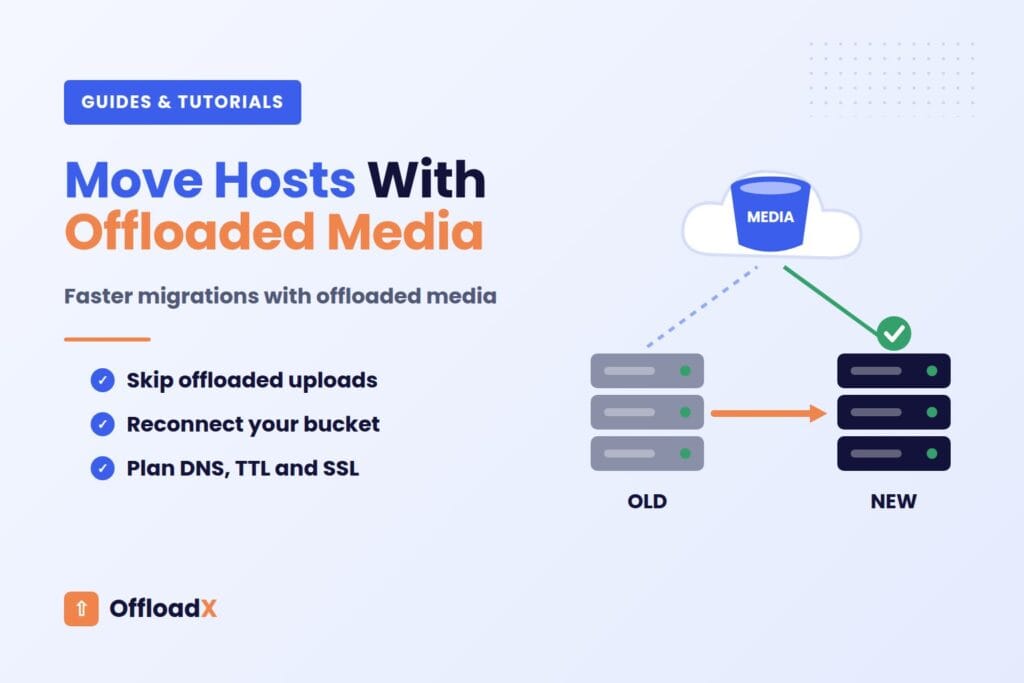
Read ArticleOffloaded media makes a host move smaller. Here is how to exclude uploads safely, reconnect your offload plugin, plan DNS…
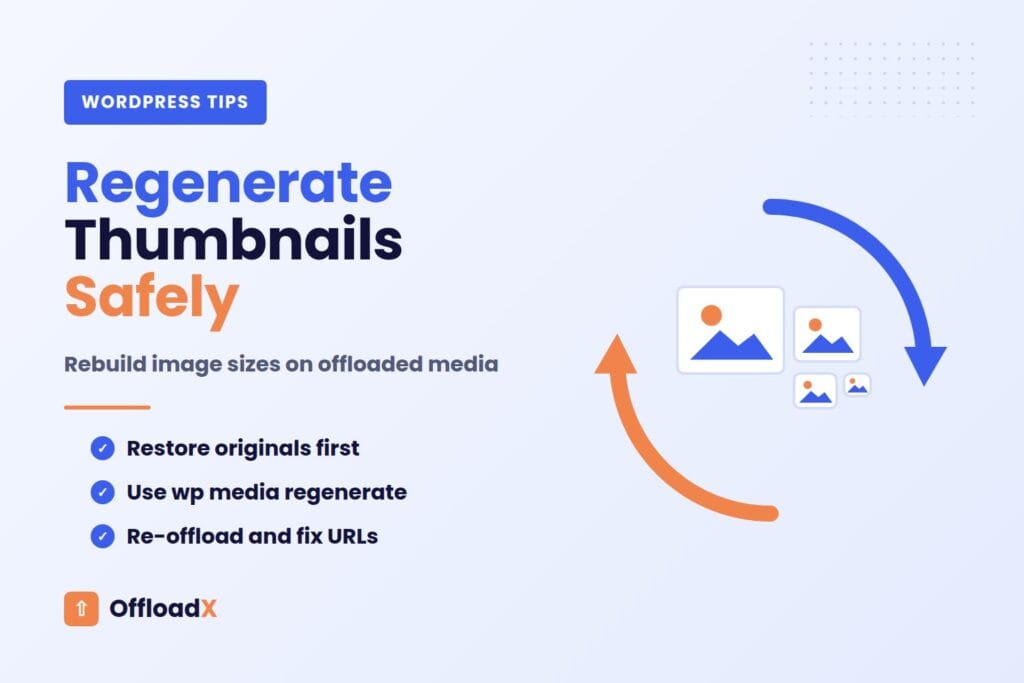
Read ArticleWhy regenerating thumbnails fails on offloaded sites, and a safe step-by-step process to rebuild image sizes, push them to your…
Read Article
Freemium WordPress plugin to offload media to Cloudflare R2, Amazon S3, Wasabi, DigitalOcean Spaces and Bunny CDN.
Price Currency: USD
Operating System: WordPress
Application Category: WebApplication