
LMS Video Hosting for WordPress: LearnDash, Tutor LMS, LifterLMS and Sensei
Where to host course videos for LearnDash, Tutor LMS, LifterLMS and Sensei, how to protect them, and what 500 students really cost.
How to Back Up WordPress Media After Offloading: Versioning, Object Lock and a Second Copy
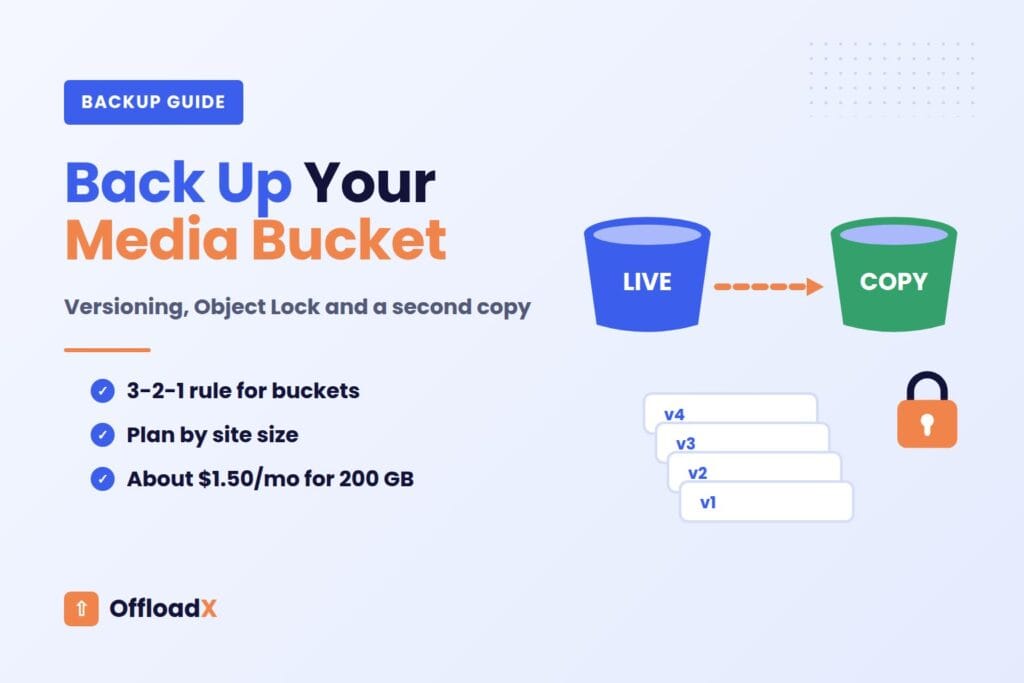
Offloaded media is not in your site backup. Protect the bucket with versioning, a locked copy at a second provider and quarterly restore tests.
S3-Compatible Storage for WordPress: What It Means and How to Stay Portable
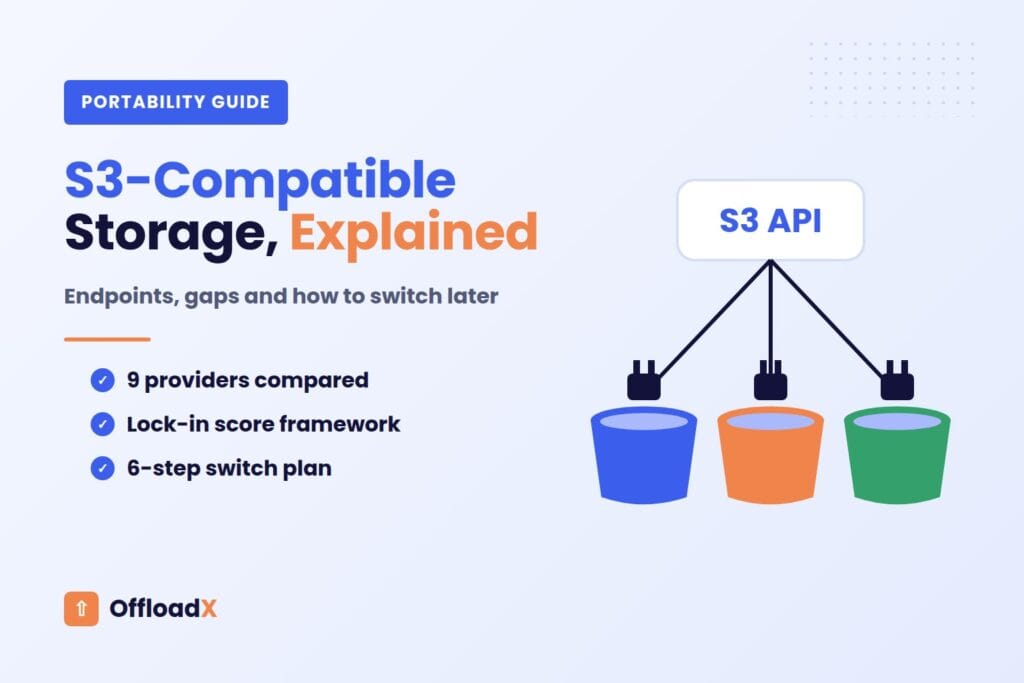
How S3-compatible storage works, where R2, Wasabi, B2 and others differ, and how to keep WordPress media portable with a simple lock-in score.
Headless WordPress Media: Images in Next.js, Faust.js and Astro
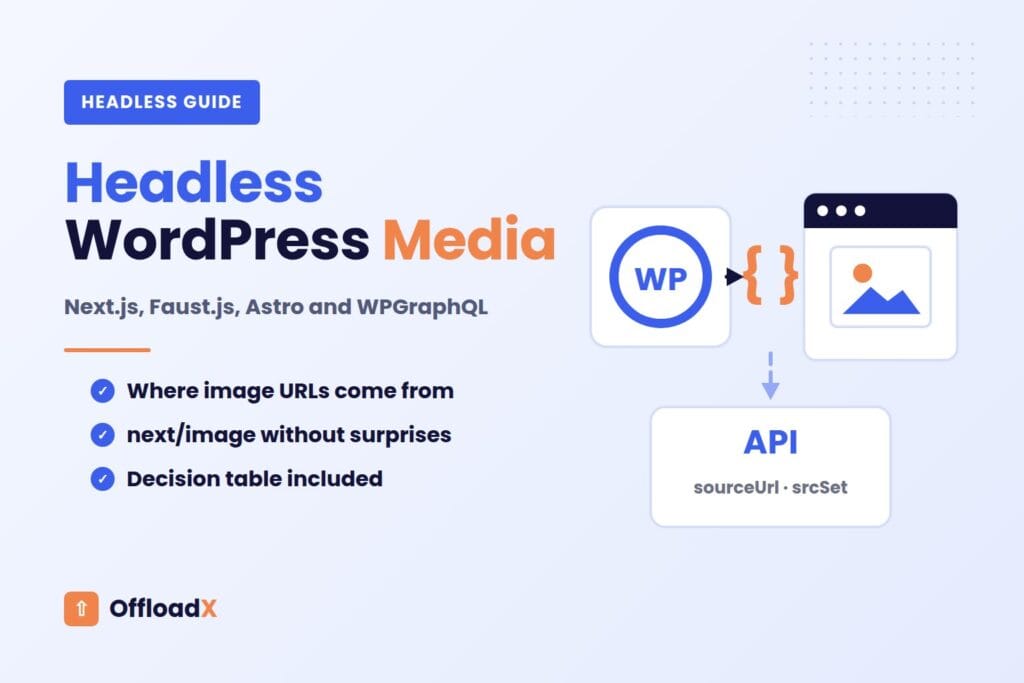
How images work in headless WordPress: where URLs come from, why offloading helps, next/image settings, optimisation costs and caching.
How to Move WordPress to a New Host When Your Media Is Offloaded
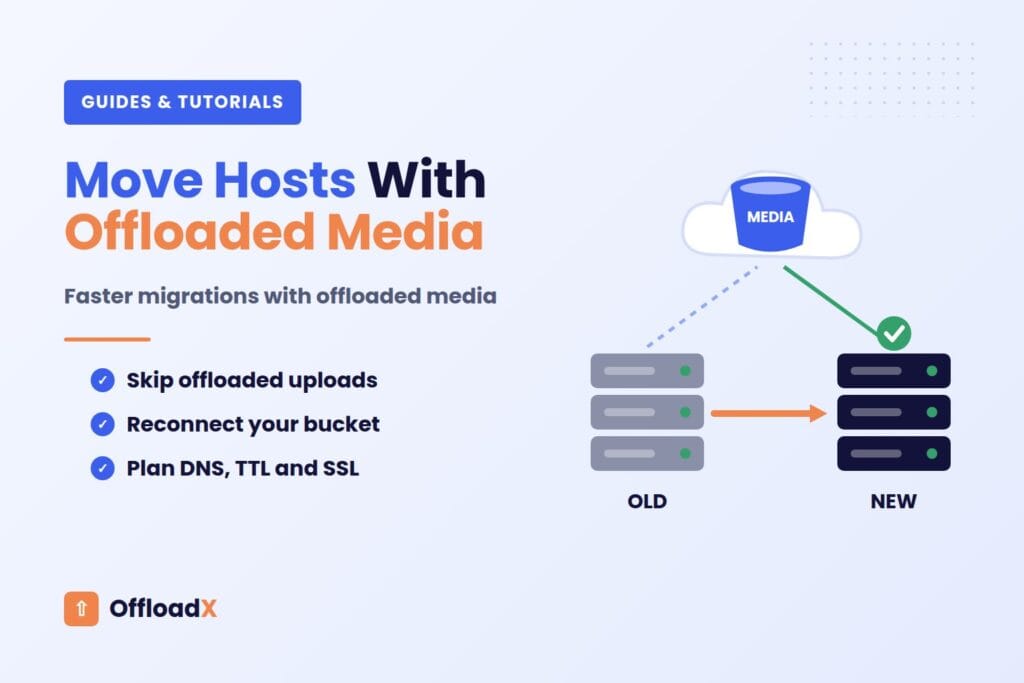
Offloaded media makes a host move smaller. Here is how to exclude uploads safely, reconnect your offload plugin, plan DNS and SSL, and test.
How to Secure WooCommerce Digital Downloads (Settings, Nginx and S3)
Stop paid files leaking: WooCommerce download methods, Nginx protection, approved directories, limits and expiry, and signed links from S3 or R2.
How to Protect Private WordPress Files: Server Rules, Plugins and Signed URLs
Media Library files are public by default. Here is how to lock down invoices, courses and member content without leaking them through your CDN.
WordPress Multisite Media Offload: Buckets, Prefixes and Safe Rollout
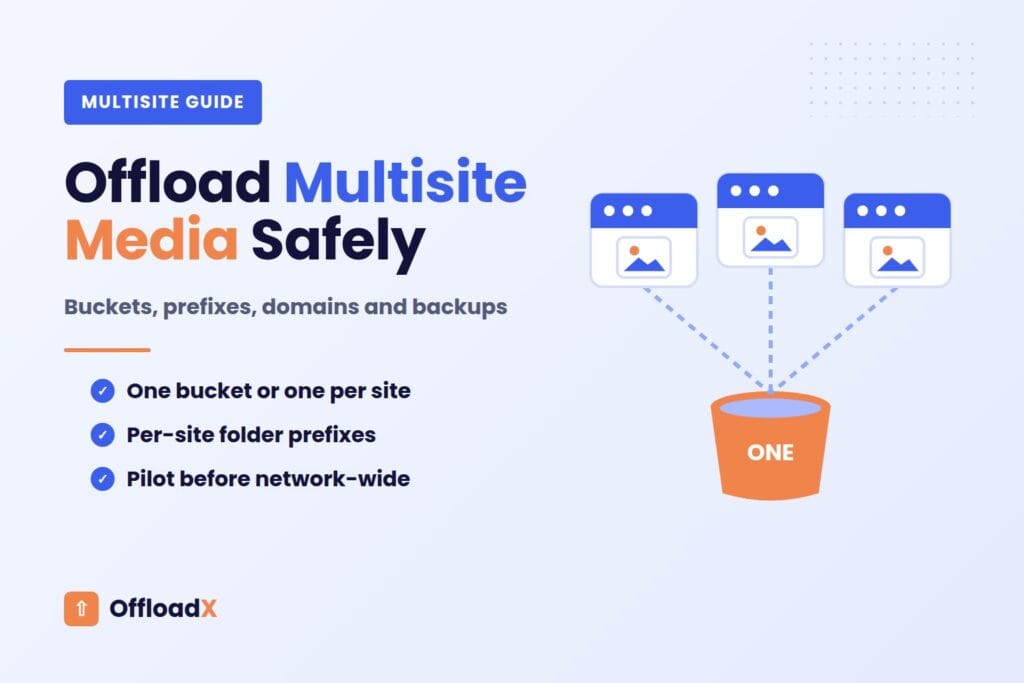
How to offload media across a WordPress multisite network: bucket and prefix design, licensing questions, a safe rollout plan, domains and backups.
CloudFront S3 WordPress Setup: Private Bucket, Custom Domain and Real Costs
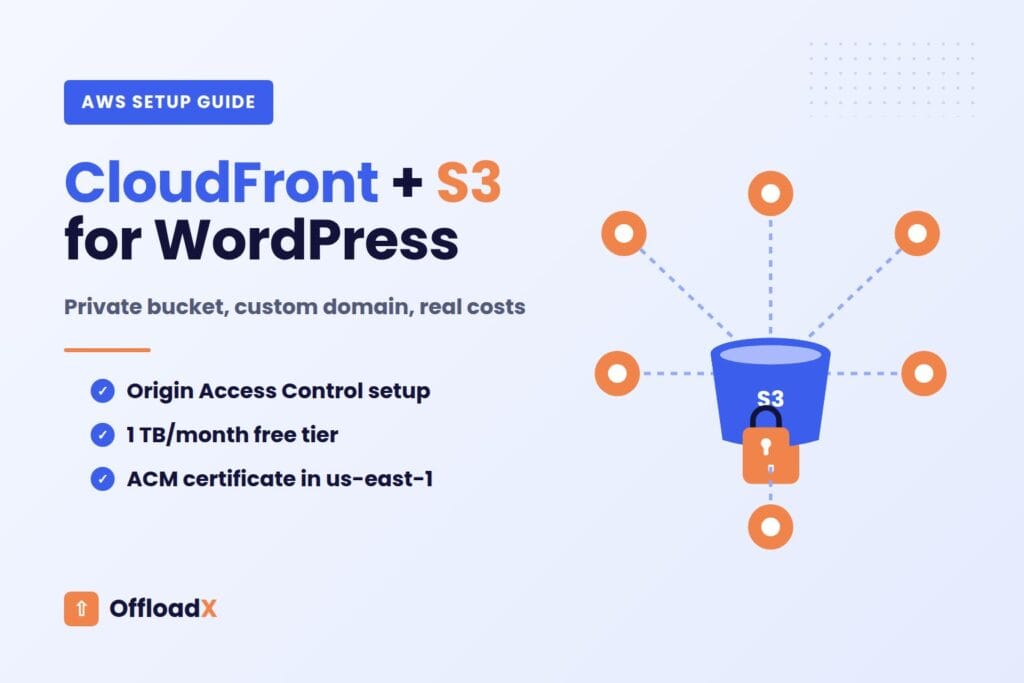
Put CloudFront in front of S3 for faster, cheaper WordPress media: private bucket with OAC, custom domain, cache settings and 2026 pricing.
Google Cloud Storage for WordPress: Pricing, Setup and HMAC Keys
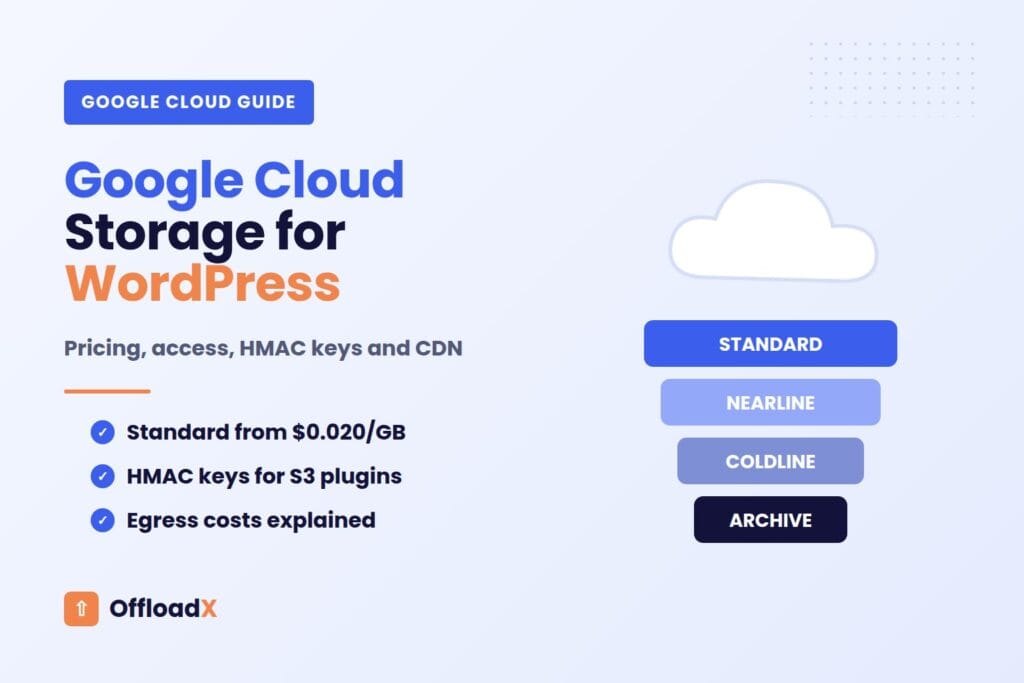
How to use Google Cloud Storage for WordPress media without WP-Stateless: pricing, storage classes, public access, HMAC keys and cost examples.